Guide to Buying a Tablet for the New Semester

Machine-translated with NiuTrans. Read the Chinese original.
tip:
- This article is only published on greataden.top. Please indicate the source when reprinting.
- Unless otherwise specified, the prices of all electronic products mentioned in this article are subject to the original prices on JD.com.
- Due to space limitations, this article only provides the most basic advice, the advantages and disadvantages of each company, and a price comparison. Subjective items such as screen and system user experience are not taken into account.
preface
The annual bushi is just around the corner, and as we all know, Heyi Meigao's ban on the use of electronic devices on campus is basically nonsense after just a few months of school, allowing everything except mobile phones to be used freely. As we all know, because textbooks are as heavy as bricks, many students tend to use tablets to read electronic textbooks and take class notes. The current electronics market is a mixed bag, with all sorts of brands rushing to make tablets (specifically Lenovo Xiaoxin, whose tablets are pure electronic garbage). So today, Heyi Meigao Hardware Society brings you a guide to buying tablets at different price points and for different needs now and in the next six months.
Faith
There's a kind of mental disability called Apple, a kind of patriotism called Huawei, and an explosion called Samsung (bushi).
Judging from the names, everyone knows who I'm criticizing. The first two are the ones I think definitely need to be carefully considered. The reason is simple: the closed system ecosystem means that you can almost only buy the complete set, as well as the high price and low cost-effectiveness (the latter two are especially relevant to Apple).
To give a simple example: Suppose Zhang San buys an iPad air5 (256GB), then in order to take notes, he also needs a second-generation Apple Pencil and an official Apple Magic Control keyboard. The total original price of these three items on JD.com is 8550 RMB, which is now enough for a high-end computer mainframe. Moreover, once you buy a tablet, you must buy an iPhone and an Apple computer to achieve the best ecosystem synergy and maximum efficiency (I can write a separate article about why later). The iPhone 13 Pro 256G version is priced at 8200 on JD.com, the M1 version of the MacBook Air 13 is 7400, and the M2 version is 9200. A complete set would cost at least two thousand yuan. Forgive my bluntness, whoever buys it is an idiot (just ignore the fact that my family is so poor they only have money left).
Huawei's situation is similar, but in fact, Huawei's most important problem does not lie here, but in other aspects, which I will introduce in detail below.
Apple Edition
Once you've made up your mind to put up with Apple's poor software compatibility and game isolation on your computer, please read on. Alternatively, you can choose to jump to the Huawei section.
First, let me state my personal opinion: I won't buy pro unless it's necessary.
The difference between the iPad air and iPad pro isn't that significant for the average consumer!

Whether it's performance or user experience, it's hard to truly appreciate it without using an iPad for video editing. The same applies to gaming; the same M1 chip can completely handle the current performance killer, Genshin Impact. Taking notes goes without saying.
To be honest, Apple really doesn't have much to say about it. It has a solid screen and stylus quality, a smooth system, and a whole host of other advantages. The only problem is its price. If you don't play games and won't need very specialized software for your college major in the future, but just want to use it for reading, writing, and taking notes, and your budget is not limited, then the Apple family bucket is indeed a good choice.
Finally, when buying Apple products, please remember: Buy what you need, don't create demand. Beware of Cook's knife technique [doge]
Huawei Edition
Actually, I didn't originally want to include Huawei in the discussion, but since many people only know about Huawei besides Apple, I'll bring it up anyway.
One thing is clear: HarmonyOS is not a user-friendly "mobile phone" system; its real advantage lies in the Internet of Everything. Never buy Huawei just because of HarmonyOS; its advantages may not be apparent for the next five years.
Moreover, the desktop mode of the HarmonyOS system (the mode in which tablets improve the mouse and keyboard user experience by imitating the computer interface) is very poorly designed, almost unusable.
Then comes a common misconception: the so-called "support for domestic products".
Huawei has never been a conscientious company.
Admittedly, Huawei is awesome, truly awesome. It is one of only four mobile phone manufacturers in the world that can design its own chips, and it has also modified Android to develop its own HarmonyOS system.
However, it's really not as good as most people imagine. The Enjoy series is a huge rip-off for the poor, with the best configuration in the same price range coupled with the highest price. After being sanctioned, prices skyrocketed, with the P50E 778G chip selling for 4,000 yuan (compared to 2,000 yuan for the same Xiaomi configuration). Back when Huawei was still using Android 10's EMUI, it blatantly violated Google's Android Open Source Convention by blocking bl and root channels. (If anyone criticizes me for worshipping foreign things, please take a look up. I also criticize Apple, much harsher than Huawei.)
In short, Huawei is indeed facing difficulties, but its current products offer very low cost-effectiveness. As consumers, especially those with limited budgets, the primary consideration should be whether their products are worth their investment, rather than whether they support so-called national enterprises and patriotism.
Next, we'll begin the official Huawei tablet recommendation.
If you only want to do light office work and study, the MatePad 11 (3999 + 600 + 450) is a good option.

If you want to play some games, you'll need Pro 2021 (3299 + 600 + 450).
Samsung Edition
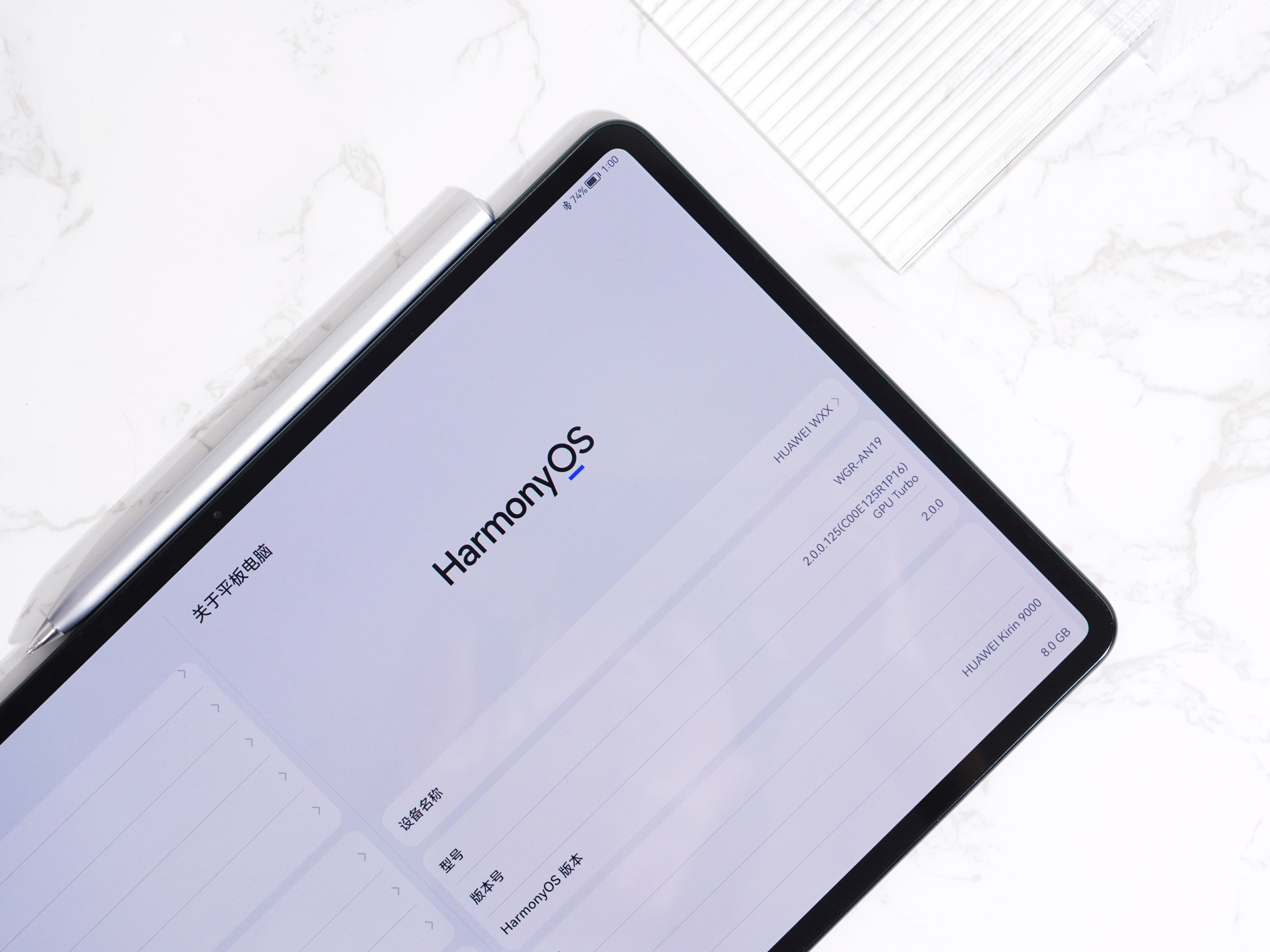
Samsung's newly released tab s8 series tablets this year (s8 4500-5700+700, s8+ 5700-7000+700, s8 ultra 7900-8900+700) call themselves the "King of Android Tablets." Although I still have doubts about whether this lousy 8-for-1 chip can be worthy of the King of Tablets, it must be said that Samsung is currently the most powerful manufacturer deeply involved in styluses. Samsung's first stylus was the one that came with the note1 11 years ago. Eleven years have passed since then, and its technological accumulation is not something that other manufacturers can easily catch up with. Based on my own experience, I believe that Samsung's note-taking experience is on par with Apple's and slightly surpasses Apple's.
One of Samsung's notable features is its DEX mode. Samsung does a pretty good job with this computer mode. Personally, I was forced to use a tablet to work because my computer broke down, but now I haven't turned it on for two months.
In terms of performance, the new generation Snapdragon 8 is quite good, but it gets very hot... (I personally tested it; this article was typed using a Samsung tab s8 with an external mechanical keyboard.)
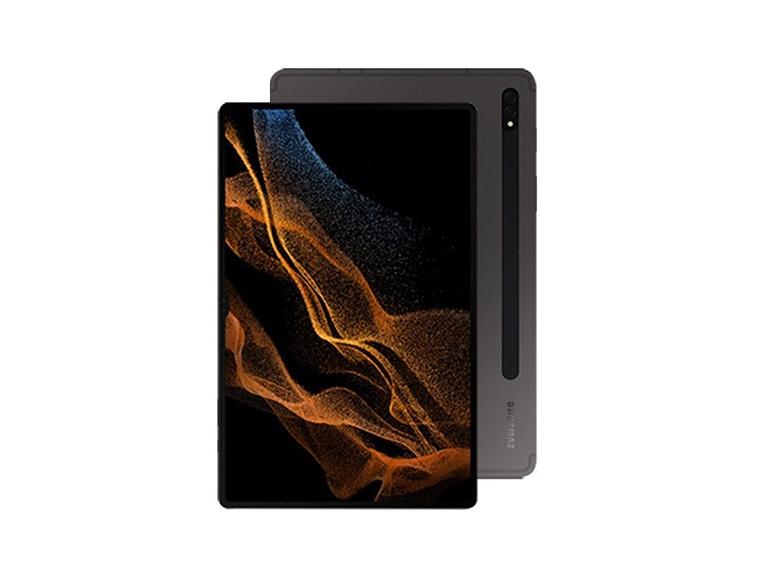
The looks are alright too (in my personal opinion).
Finally, a purchase recommendation: The difference between the s8 series products is almost only in screen size. The stylus of the s8+/ultra has a very slight improvement over the s8 (6ms-2.8ms). Because it's a near-native system, it can be paired with any Android phone (though the user experience isn't very good either). If you have a limited budget, you can buy the base model s8 (which I am currently using), but based on my own experience, I recommend the s8+.
Meanwhile, there are reports that Samsung is about to launch the s8FE, which will use the Snapdragon 8+Gen1 chip. If you can afford to wait, you should definitely wait! The difference between these two chips is stark.
Summary of the products in the Faith section above: Choose wisely and avoid falling into traps, but the price is not worthwhile, and it is worth considering if you have a very sufficient budget.
Cost-effectiveness
Having discussed high-end tablets, let's move on to the mid-to-low-end market.
Unlike the hidden struggle in the high-end market, the mid-to-low-end market is truly "like water and fire". Xiaomi, OPPO, VIVO, Honor, as well as Apple's digital series and Huawei's low-end series are fiercely competing here.
Next, we will introduce them one by one.
Xiaomi Edition
The top contender is the Xiaomi Mi Tablet 5/5 pro (1999~2499 +350+400). As a tablet with a stylus latency of 22ms (Samsung's industry-leading 2.8ms, most others are between 6-9ms, and the sensation is generally not noticeable below 10ms), it can be ruled out as a learning tablet. At the same time, MIUI for pad cannot be said to be particularly good. Although the performance of the Xiaolong 860/870 combined with its price provides an excellent daily entertainment and gaming experience, the most important use of tablets in this article is for learning. Therefore, the Xiaomi pad 5 is not recommended for purchase.
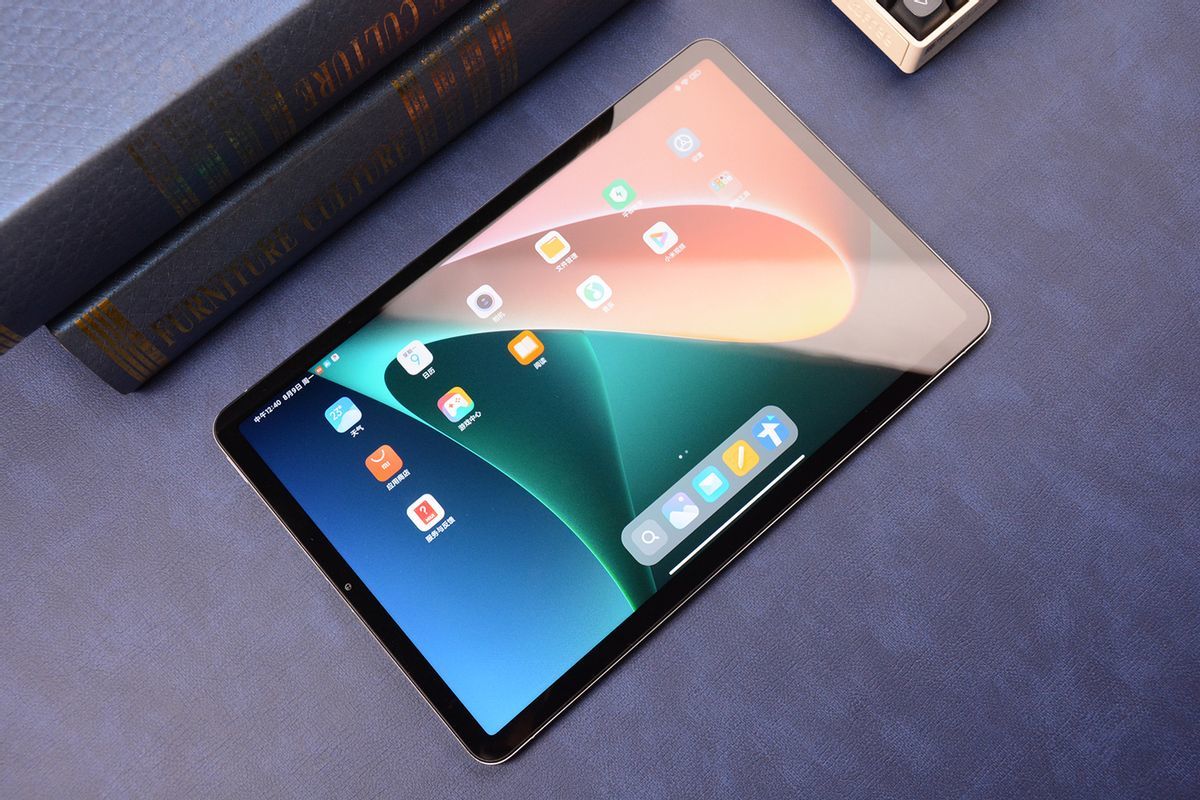
However, there are reports that the Xiaomi Mi Pad 6 has effectively improved the above problems. Patient students can wait until the first half of the year, as it might be a very cost-effective option.
OPPO
The second contender is OPPO's first tablet, the OPPO pad (2200~3000 +350+500). As the first tablet from a green factory, OPPO has shown great sincerity. Whether it is the 2k high refresh rate, the large battery or the LCD eye-protecting screen, it is basically on par with other mainstream tablet manufacturers. Although the stylus latency reached 16ms due to lack of experience, and the keyboard is not magnetically charged but has a built-in battery, resulting in an overall thickness, considering its price... it's not impossible to use. If you are currently using a new OPPO phone released in the last two years, then the OPPO pad can be considered one of your high-quality choices.
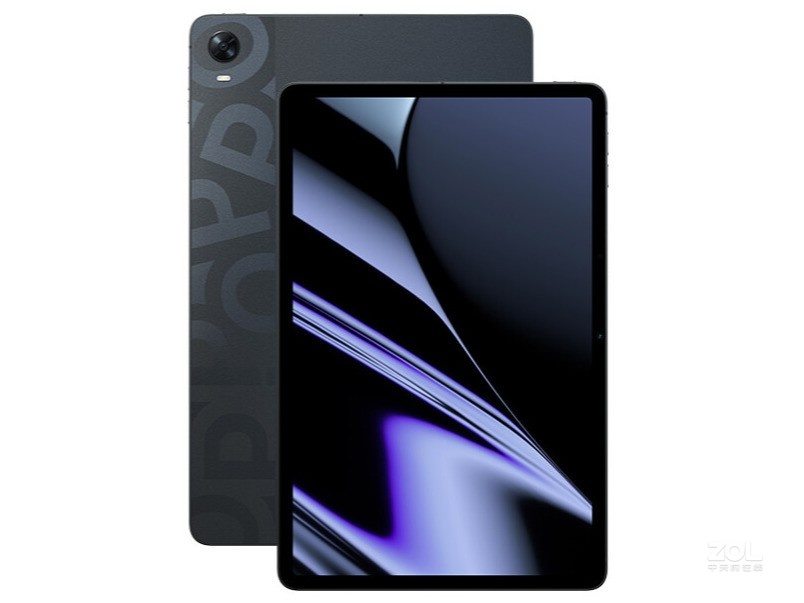
However, please note: OPPO also has another, even lower-priced OPPO pad air. In my opinion, it's pure electronic garbage. It can only play iQiyi and games, so it's not included in the recommended list.
vivo
The third place winner is the vivo pad (2500~3000 +350+600). The blue manufacturer followed the green manufacturer into the pad market this year, but its performance can only be described as less than satisfactory. Although its basic specifications and price are roughly the same as the O-board, it falls short in terms of the stylus, which most affects the learning experience, with a latency of 17.5ms. non-magnetic chargingTherefore, its stylus is relatively heavier and thicker. The fact that I need to replace the battery myself makes me list it and the Xiaomi tablet's stylus as unusable, so overall I don't recommend buying it.

Apple's low-end version
The fourth place goes to a heavyweight player: the iPad 2021, also known as the iPad 9 (2500~3700 +730). As a player in Apple's digital series, which focuses on the low-end market, I have to say it's very tempting. Its powerful processor and screen, which are almost identical to the air Pro, make it an excellent tablet for "audio-visual entertainment".
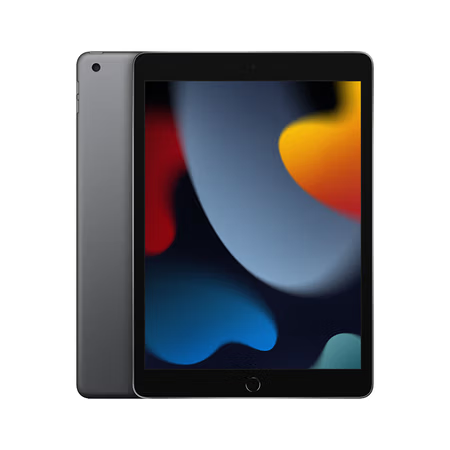
Attentive students should have noticed that I didn't mention its learning experience. That's right, the learning experience on this tablet can't be described as good; it's practically unusable.
First, it doesn't have an official magnetic keyboard; you can only choose to use an external third-party keyboard or type on the screen, which directly eliminates productivity queues.
Secondly, it uses the first-generation iPad pencil, which cannot magnetically charge, and its charging method is bizarre, comparable to an Apple mouse, resulting in poor latency (due to Apple's manipulation, I couldn't find the latency parameters for the high-end Apple pencil 1, but according to reviews, it should be around 20ms).
Finally, it's really ugly (personal opinion, light criticism).
In summary, it is basically classified as a Mi-board 5, and V-boards are not recommended for purchase.
Huawei Low-End
The fifth contestant is arguably in the same heavyweight class as the Apple I just took away: the Huawei M6 tablet (1600~2300 +0).
Why is the price +0? Because it does not support stylus, nor does it support the official magnetic keyboard.
Isn't that outrageous? The mold is from three years ago, and the chip is from Kirin 980 inventory. This can sell for the same or even higher price as Xiaomi tablets. It has to be said that Huawei really has a knack for ripping off the poor.
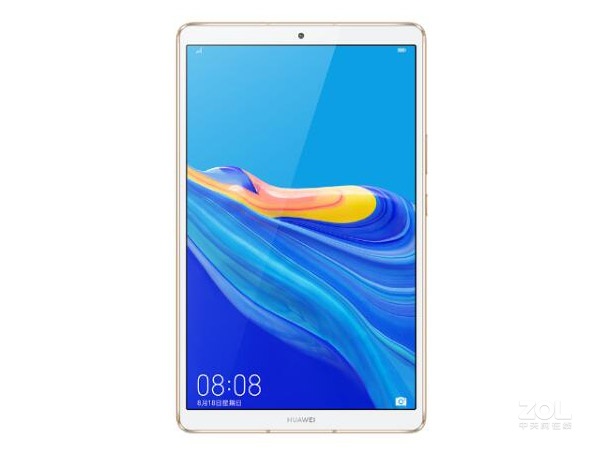
My Samsung tab s3 from four or five years ago looks better than him. (Personal opinion, you can also find it beautiful)
Similar to the V-board, Guozi low-end, and Mi5, it is classified as a non-recommended purchase.
##Glory Edition
Sixth place, and the last player in the low-to-mid-range category, is the Honor Tablet v7 Pro.
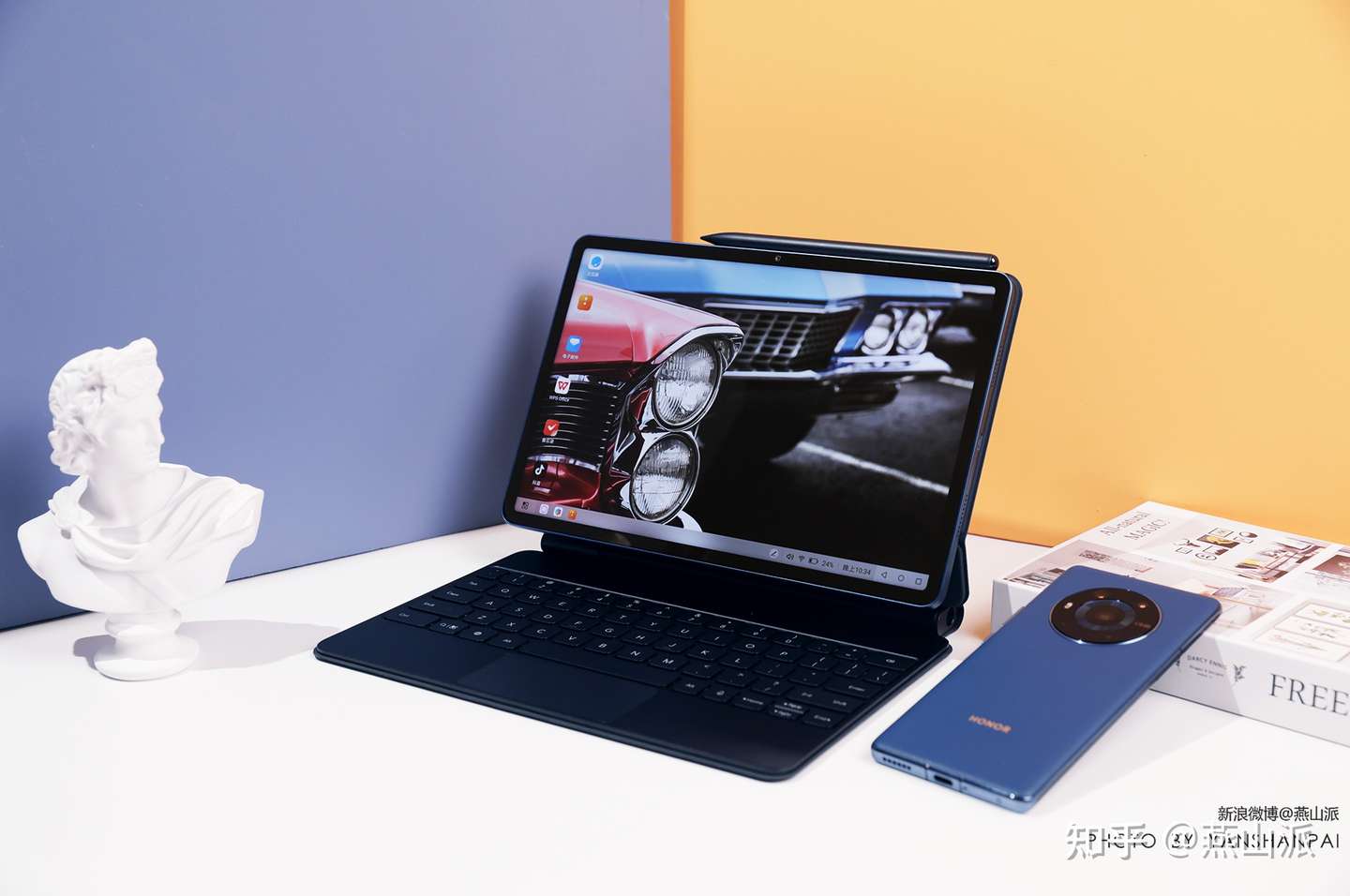
It must be said that the Honor tablet is deeply inherited from its father, Huawei. Although it bypasses sanctions, it does not affect the fact that the processor is extremely bad. Whether it is the MediaTek 1300T in the V7 Pro or the Snapdragon 680 in the Honor tablet 8, it can only be said to be limited to daily learning and light gaming.
However, its stylus experience seems to be quite good. Although I have doubts about its 2ms advertising, it is definitely not much different, and it is still very good for taking notes. If you happen to own a recent Honor phone but don't play games much, then the Honor Tablet V7 Pro would be the perfect choice.
Special Tablet Edition
Although the tablet positioning of various companies generally follows the standards of mid-to-low-end and high-end product lines, there will always be a few exceptions.
For example
Savior Y700
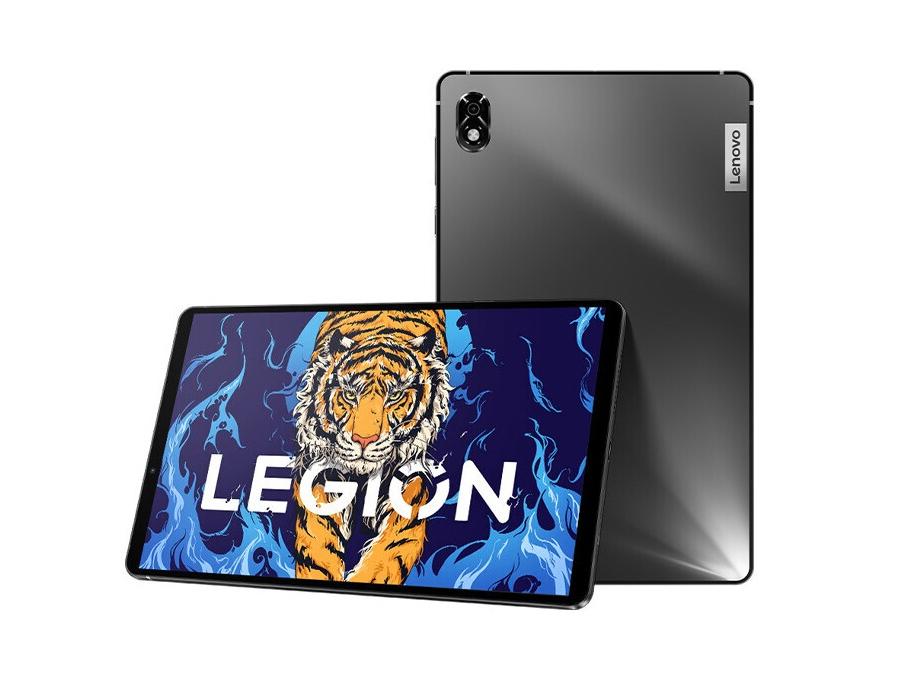
Placing this tablet here has absolutely no recommendation whatsoever; it's just a reminder to students who are thinking of buying a gaming tablet and still being able to study.
It really can only play games...
They don't even have styluses; the official refusal to become a productive force is a fact.
There's another one to send.
Shin-chan pad Pro 2021
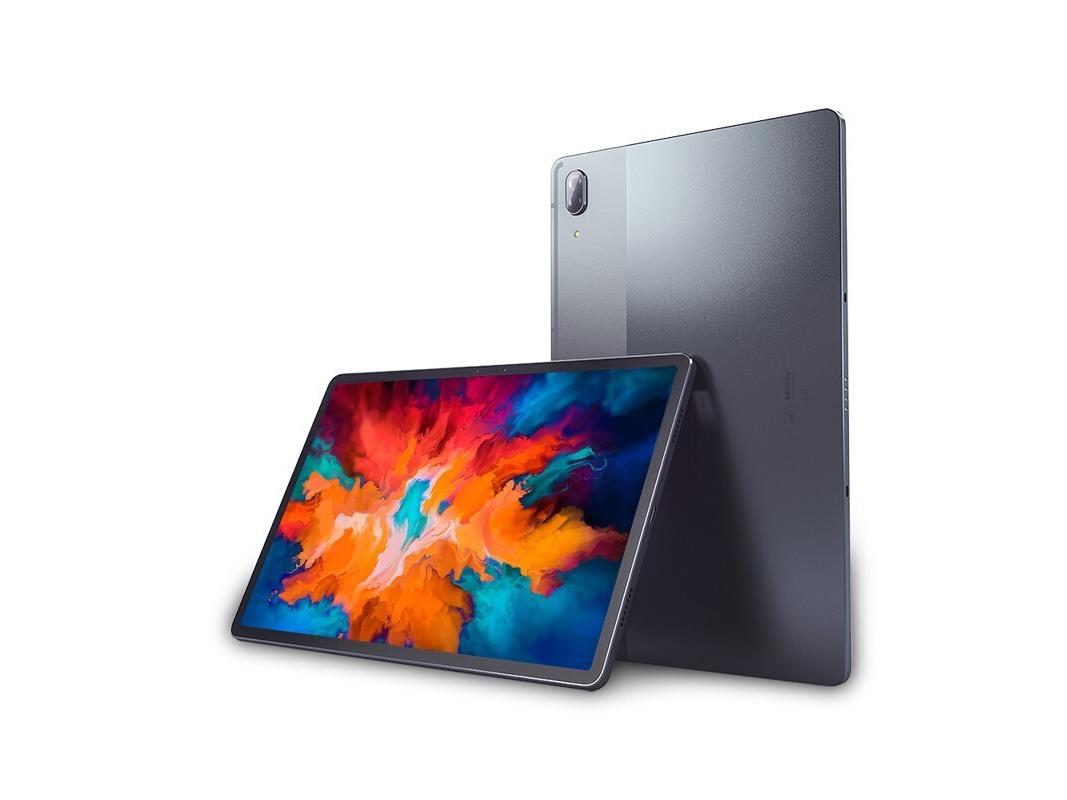
It has to be said that Lenovo is truly a place full of eccentricities.
The biggest problem with this guy is probably the stylus, which is basically unusable. With that garbage system, it's practically paying for suffering.
These two are highly, highly not recommended.
Then there's a truly unique trend: "tablets, but not completely flat products."
Microsoft surface
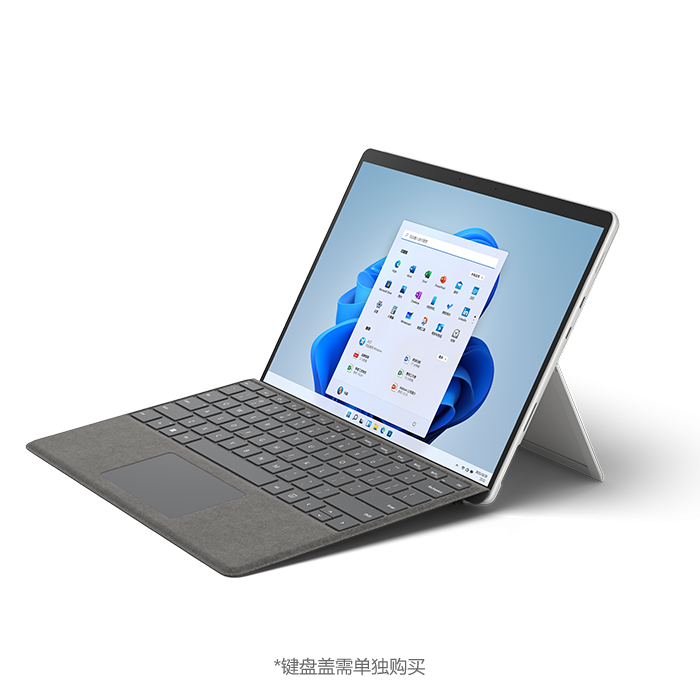
This is also a non-recommended purchase level; it's not that it doesn't work well, but rather that it's unsuitable. The essence of the surface is still a computer, just a very portable computer. The touch experience of Windows has always been terrible, and even after the Windows 11 upgrade, it is only usable. It's pretty good for office work. Some teachers at American high schools (yes, I'm talking about cr) use Surfaces, but they're not suitable for taking notes. OneNote isn't a good note-taking software.
Finally, let me summarize.
High-end recommendations: Samsung tab s8+ and the upcoming s8FE version. Those with a large budget can also choose Apple or Huawei based on their own circumstances.
Highly recommended mid-to-low-end products: OPPO pad, Honor V7 Pro
We do not recommend purchasing: Xiaomi Tablet 5/5 Pro, Huawei M6, iPad 9, Legion Y700, Lenovo Xiaoxin Pro 11, or the entire surface series.
In conclusion: Thanks to ZOL (Zhongguancun Online) and JD.com for providing parameters, images, and price data.
- Title: Guide to Buying a Tablet for the New Semester
- Author: AdenXie
- Created at : 2022-07-23 11:45:14
- Updated at : 2023-03-23 20:30:29
- Link: https://blog.adenxie.com.cn/2022/07/23/New Semester Tablet Buying Guide/
- License: All Rights Reserved © AdenXie